
BMChiper V2.0 User Guide

Featured | BMKManu S1000 Spatial Transcriptomics Chip with Resolution Down to 5 μm
2022-05-31
at

1. Proprietary workflow — 3D seamlessly stitched raw scan data
1) Extract the archive to a local directory.
2) The main program is BMChiper.exe. Double-click to launch it. (The output directory must use English characters — non-ASCII paths will raise an error.)

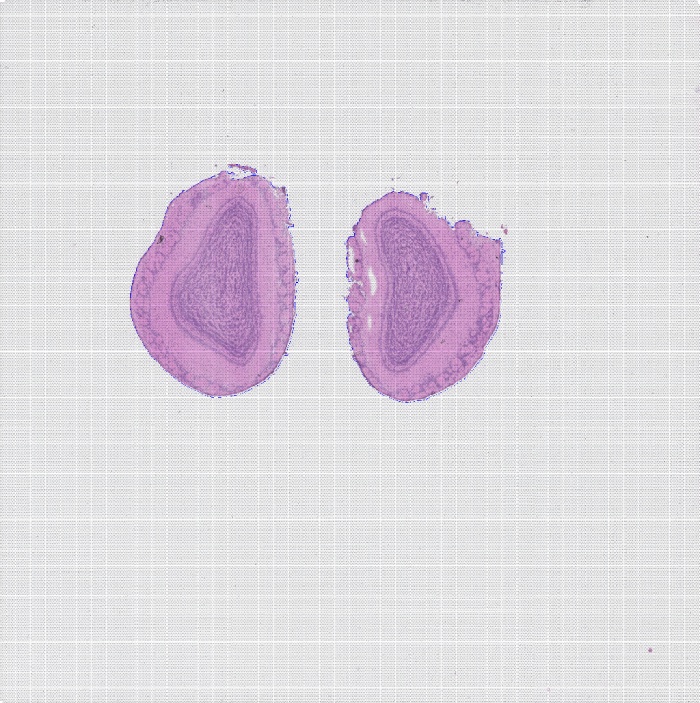
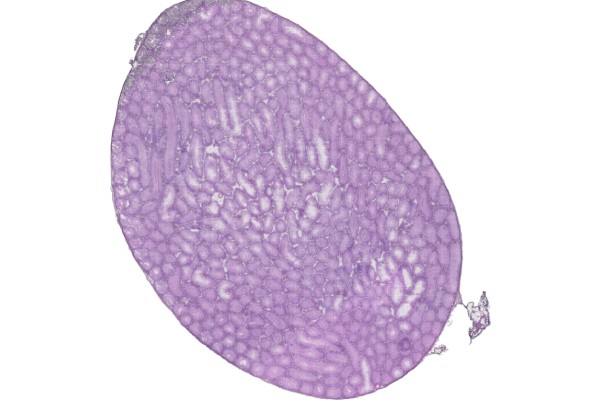
2. General workflow — for TIFF images. Cropping and calibration only; stitching is disabled.

Note: if the H&E image you load is already cropped, you can calibrate the full image directly and skip saving a region.
Related links:BMChiper 2.0 User Guide
Related posts
Warning: Trying to access array offset on value of type bool in /www/wwwroot/10.3.128.39/wp-content/themes/betheme/functions/theme-functions.php on line 1467